







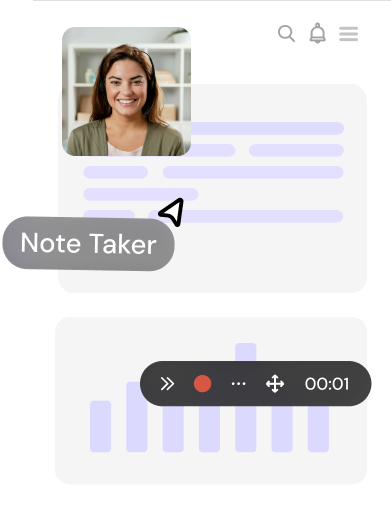
Holistic Video Workflow for Enterprises
The complete video workflow to communicate, document, and generate leads.

Join 40k+ Members
Using dadan to turn views into leads
How Dadan Adapts to Your Video Workflow Across Teams
Dadan gives you one place to record, edit, share, and track video across internal communication, documentation, and buyer-facing workflows.
Challenge
Too many live meetings, too many updates buried in Slack threads. When teams operate across regions, real-time alignment becomes costly in both time and attention.
How Dadan Solves
Dadan replaces unnecessary meetings with structured async video. Teams record quick walkthroughs, updates, or explanations and share them instantly.
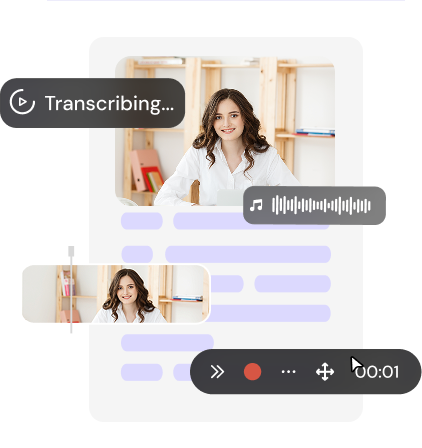
AI-generated transcripts make every video searchable. Viewers skip to specific sections rather than watching from start to finish.
Challenge
Enterprise buyers expect clarity and personalization. But sales teams can’t realistically customize every demo live. Scaling personalization is hard. Doing it consistently is harder.
How Dadan Solves
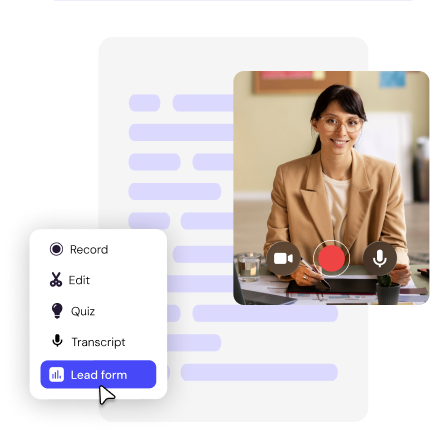
Dadan enables sales and marketing teams to create interactive demo videos with trackable engagement metrics.
That insight improves follow-ups, sharpens messaging, and turns passive viewers into active prospects.
Challenge
Enterprise teams generate massive amounts of content. Editing, documenting, and summarizing each one manually slows everything down.
How Dadan Solves
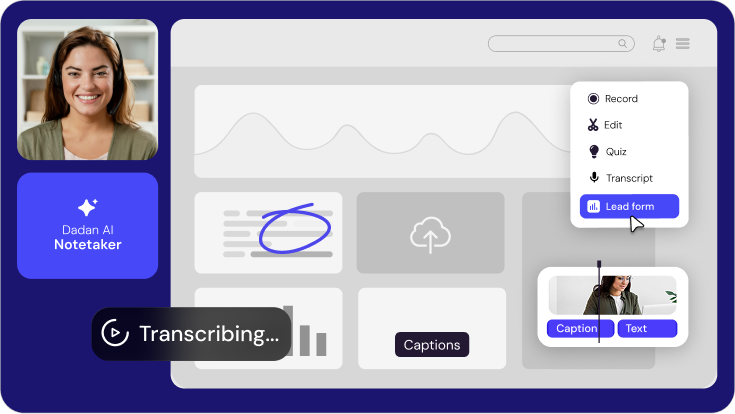
Dadan’s AI Assist automatically generates transcripts, summaries, and editable text-based video controls.
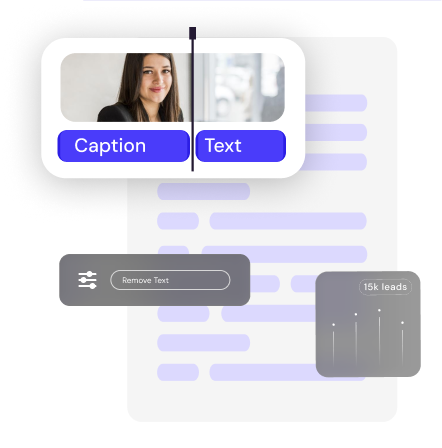
Remove a sentence from the transcript, and the matching video segment is removed. That reduces editing time significantly.
Challenge
Meetings produce decisions, but notes are inconsistent. Action items get missed, and you end up with weak documentation.
How Dadan Solves
Dadan records meetings and generates searchable transcripts so teams can quickly locate specific moments from the discussion.
Teams can also define structured meeting note formats for large user groups (200+ users) to standardize how meeting summaries, key decisions, and action items are documented and shared.
Custom Workflows for Brand, Access, and Control
01.
Custom Branding
Custom Branding
Apply your company logo and visual identity across shared videos so every customer-facing asset reflects your brand.
02.
CNAME
CName
Host videos under your own domain instead of a third-party URL. Every shared link reflects your brand and lives within your web environment.
03.
Data Protection
Data Protection
Secure hosting, permission controls, and governed access ensure sensitive internal and customer-facing content stays protected.
04.
Request a Video
Request a Video
Request videos from teammates, customers, or partners when you need visual explanations or walkthroughs. Makes it easier to collect product feedback or project updates without long email threads.
05.
Attach Files To Your Video
Attach documents, links, or supporting files directly to a video. Share everything through one link so viewers can watch the recording and access related resources in the same place.
Security, Compliance, and Administrative Control
Enterprise-grade security built into how videos are recorded, stored, and shared. Admin-level permissions, governed sharing, and protected storage ensure your internal and customer-facing content stays secure and compliant.
HLS/m3u8 encryption

AICPA SOC 2 Inprogress
Use Case
How different teams use Dadan
Human Resources
HR teams often need to explain policies, onboarding steps, and internal processes repeatedly.
With Dadan, you can record these walkthroughs once and share them with new employees as needed.
Marketing & Sales
Marketing and sales teams use Dadan to record product walkthroughs, campaign explanations, and personalized demo videos.
Instead of scheduling another call, you can send a short recording that clearly explains the product.
Development
Developers can record their screen and explain bugs, feature changes, or technical workflows directly.
This helps your teammates understand the problem faster than long message threads.
Project Management
A short recorded update often communicates timelines, priorities, and status updates more clearly than written summaries, especially for distributed teams working across time zones.
Design
Designers can record walkthroughs of prototypes or design changes and explain the reasoning behind them so stakeholders can understand decisions and provide clearer feedback without needing a live meeting.
Connect it with tools you love!
With over 30+ direct integrations and a custom webhook, dadan fits in perfectly into your existing tool stack and enhances your workflow
MailChimp
GoHighLevel
ActiveCampaign
Google Calendar
GoogleCampaign
Microsoft Dynamics
Trello
Google Mail
Google Meet
YouTube
HubSpot
Shopify
Azure DevOps
Outlook
Asana
Zendesk
Calendly
Dropbox
Jira
GitHub

Dadan vs Others
Dadan
- Online recorder + extension + native app
- Built-in meeting recorder and notetaker
- Online editor + edit by transcript
- Smooth zoom while recording
- Request a video via a shareable link
- 30+ integrations incl. CRM & email marketing
Other Recorders
- Extension and native app only
- Not available or costs extra
- Basic online editor only
- Not available
- Requires third-party tools
- Limited CRM or sales tools support
Meet Our Happy Customers
Frequently Asked Questions
Still have questions?
Need more information or personalized help? Chat with our team for quick assistance.
Is Dadan suitable for large enterprise teams?
Yes. Dadan supports distributed teams across departments. Admin controls, branding options, and structured access management make it practical for enterprise-wide deployment.
How secure is Dadan for enterprise use?
Dadan provides secure hosting and settings to manage who can access or share videos. Teams can set up controlled access so that content is available only to the right users.
Can Dadan integrate with our existing tools and workflows?
Dadan fits into modern collaboration environments. Videos can be shared through existing communication platforms and embedded within your web infrastructure.
Does Dadan support multiple teams and departments?
Yes. Sales, marketing, product, HR, support, and leadership teams can operate within a shared system while maintaining structured permissions and content visibility controls.
Do you offer dedicated support for enterprise plans?
Enterprise plans include onboarding assistance, priority support, and other features to help teams implement Dadan efficiently.